


A cookie banner
worthy of Framer.
Manage consent on Framer with Velo. Bring your banner, consent records, scan findings and AI cookie categorisation into one workspace.
Free for one site and 1,500 monthly sessions. Pro from €7 a month, plus VAT, for unlimited sites.
What Velo does
on Framer.
Paste the snippet into Site settings → Custom code, in the start of the head tag, and publish. One paste covers the whole site. If you run Google Tag Manager, the Velo CMP template does the same job from your container.
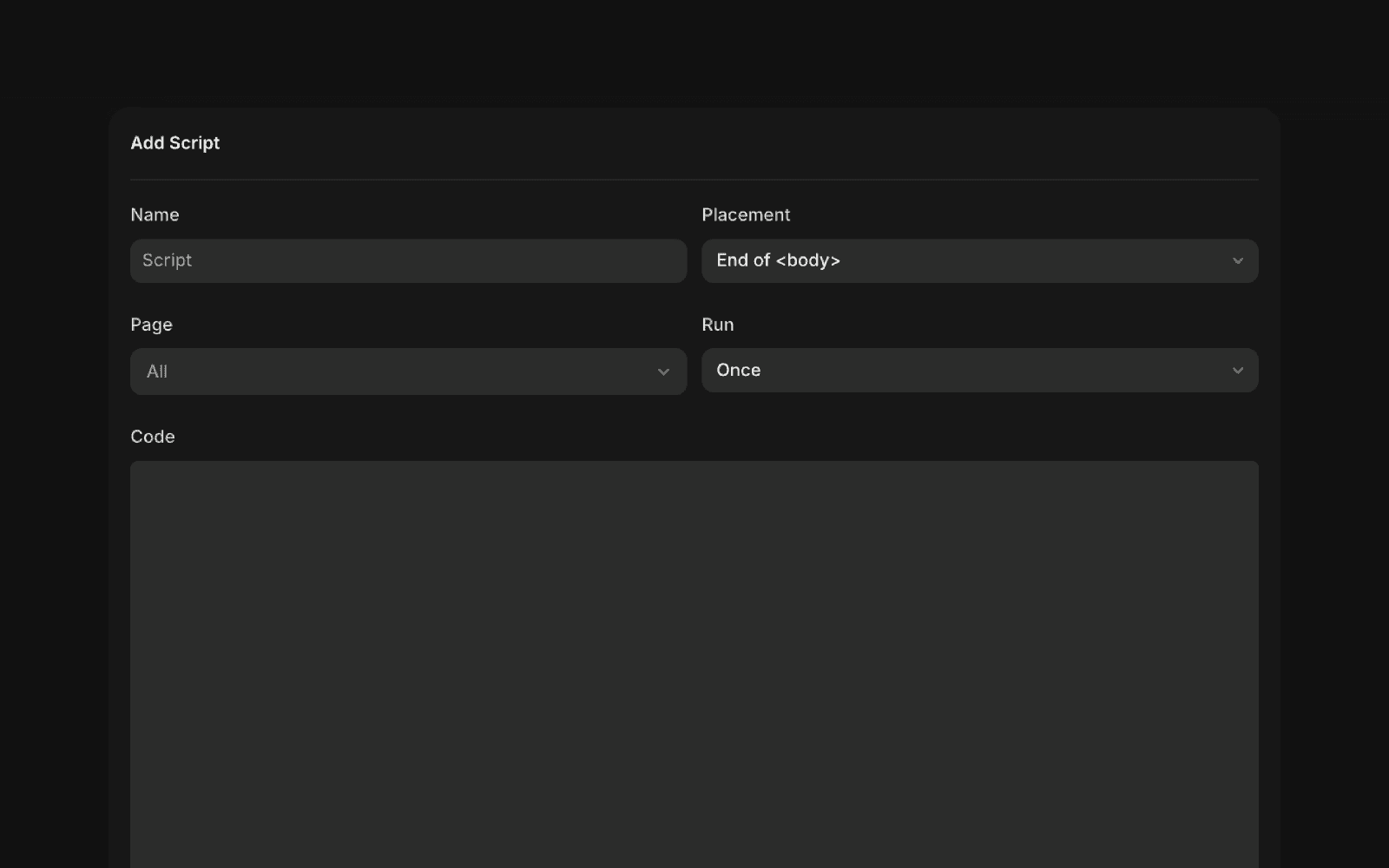
Framer’s Add Script dialog. Use a head placement and All pages, then paste the complete Velo snippet and publish.
Framer documentation ↗View full size ↗How it goes live
on Framer.
Three steps. Most installs take a few minutes when you can already publish changes to the site.
-
01
Paste the snippet
In Framer, open Site settings → Custom code, add the Velo snippet to the start of the head tag, and publish. Or add the Velo template in Google Tag Manager.
Official documentation image, reviewed 23 September 2026 Framer’s Add Script dialog. Use a head placement and All pages, then paste the complete Velo snippet and publish.
Framer documentation ↗View full size ↗ -
02
Denied by default, banner up
Velo sets the Google Consent Mode v2 defaults before your other tags run, denied where your region settings ask for opt in, then shows the banner. Google tags adjust to the choice and tags you gate on Velo's consent event wait for it. Every choice is saved to your consent records.
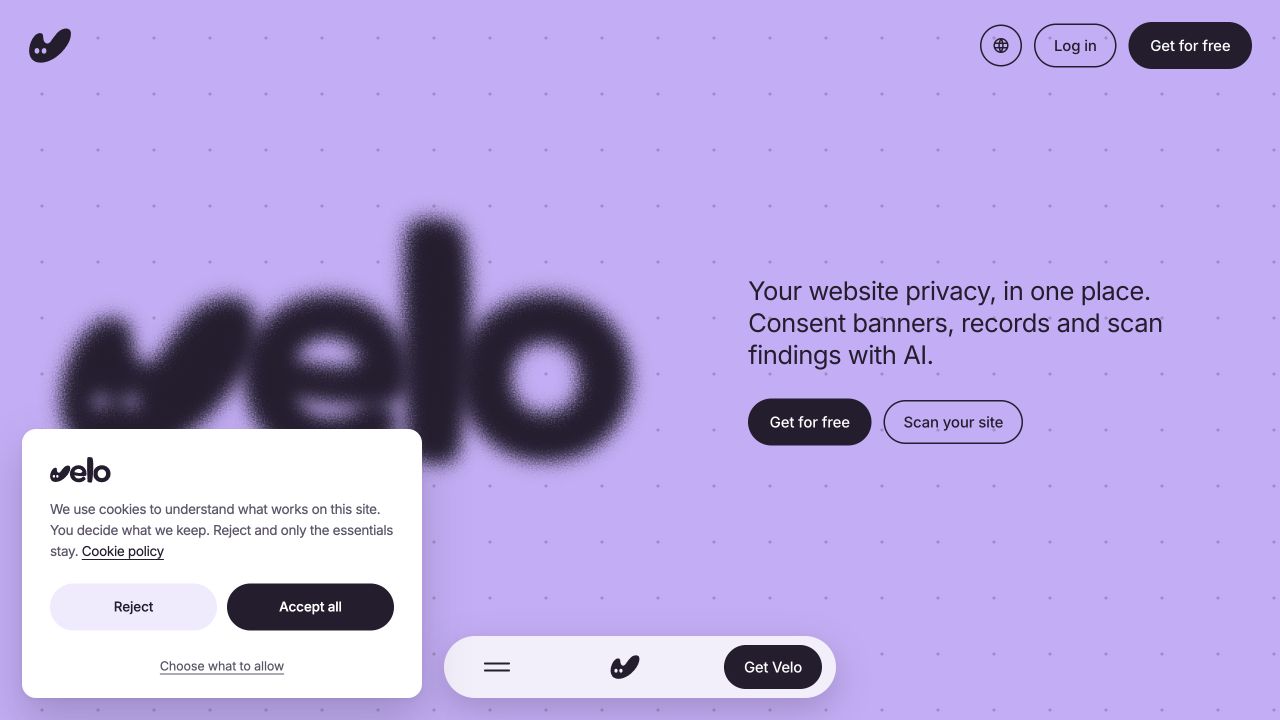
Live interface capture · 23 September 2026 The real banner on veloconsent.com, captured on 23 September 2026. Your banner’s copy, layout and region settings may differ.
Velo live site ↗View full size ↗ -
03
Verify, then publish
Check that the consent signals change in Tag Assistant when you accept and when you reject, then publish. Run the same check again whenever you change your tags or banner settings.
Using a different platform? See every supported platform.
Framer questions,
answered.
What teams putting a banner on Framer ask first.
Will the banner look right on a designed site?
That is the point of it. The banner renders in Shadow DOM with its own theme, so your styles never distort it and it never leaks into yours. Light or dark, it reads as considered rather than bolted on.
Does Velo work on Framer's plans?
Custom code in Framer requires a paid site plan. On any paid plan, the install is one paste in Site settings → Custom code and a publish.
Do I need Google Tag Manager?
No. The snippet works standalone through Custom code. Teams that already run GTM can import the Velo CMP template instead and keep measurement in one place.
Why care about Consent Mode v2 on a portfolio or product site?
If Google Ads or GA4 run on the site and EEA visitors reach it, Google expects consent signals, and Consent Mode v2 is how your tags receive them. The tags then adjust to each choice. Google may model some conversions from declined visitors when its eligibility and traffic conditions are met. Smaller sites may not meet them.
From the journal.
Website privacy, in one place.
Scan your site →