


 client.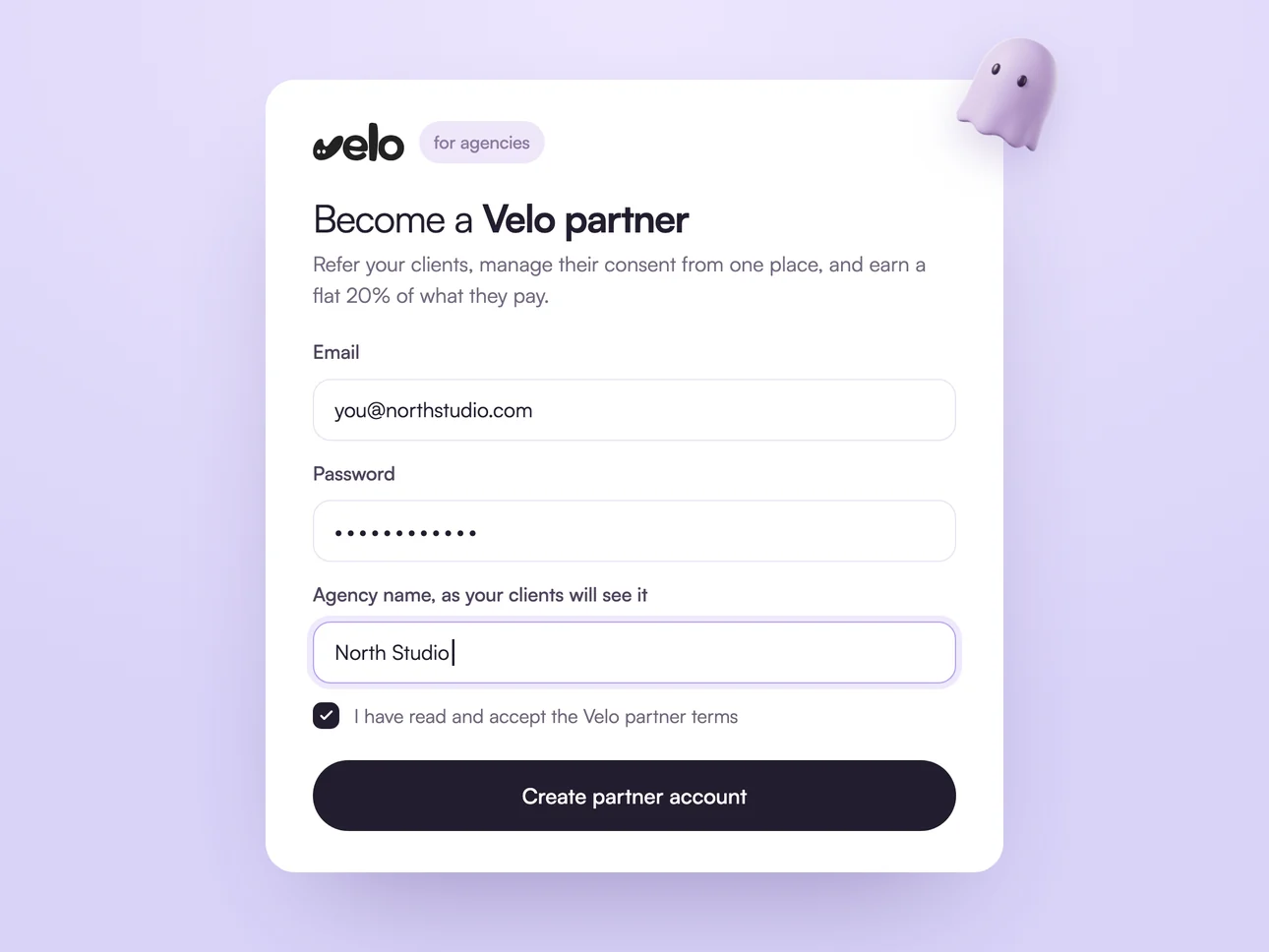
Create your partner account
Enter your email, a password and your agency name as your clients will see it, then accept the partner terms. Confirm your email, log in, and your referral link is already waiting.
Run consent for your whole roster from one login: every client’s banner, scans and records, plus a flat 20% of what each client you refer pays Velo.
Free to join. No partner fee and no minimum roster.
Stop opening five consent dashboards to answer one question. The portal lists every client you have referred or been given access to, with the numbers that tell you which one needs you this week.
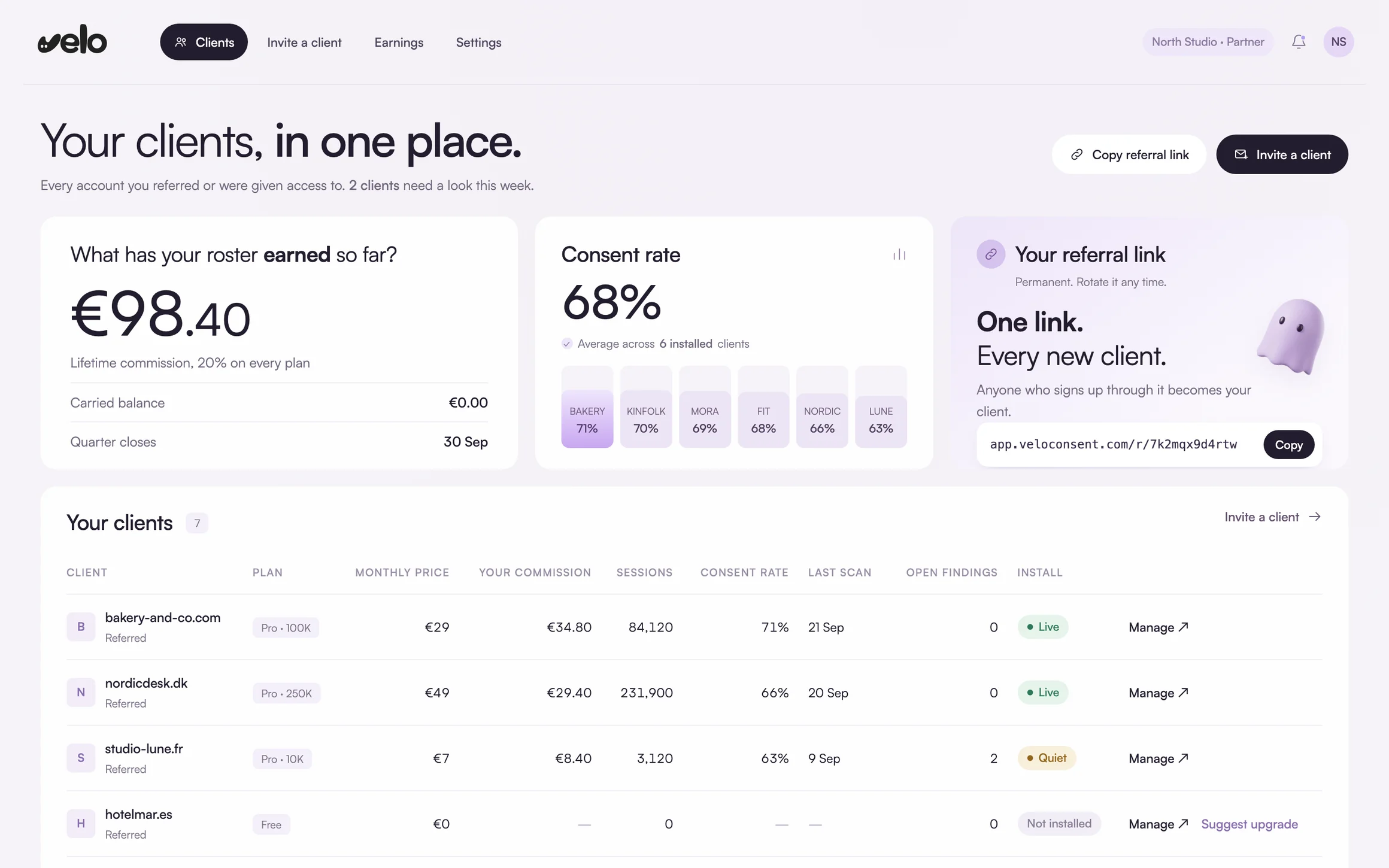
Illustrative view with example clients, bringing together the portal’s Clients, Invite and Earnings screens. Your rows are your clients’ live accounts.
Your clients keep their own Velo accounts and pay for their own plans. You get admin access to each one, a single place to spot what needs attention, and a share of every plan you bring in.
It is free, it takes a few minutes, and there is nothing to unlock later. Every step below happens inside the partner portal.
Enter your email, a password and your agency name as your clients will see it, then accept the partner terms. Confirm your email, log in, and your referral link is already waiting.
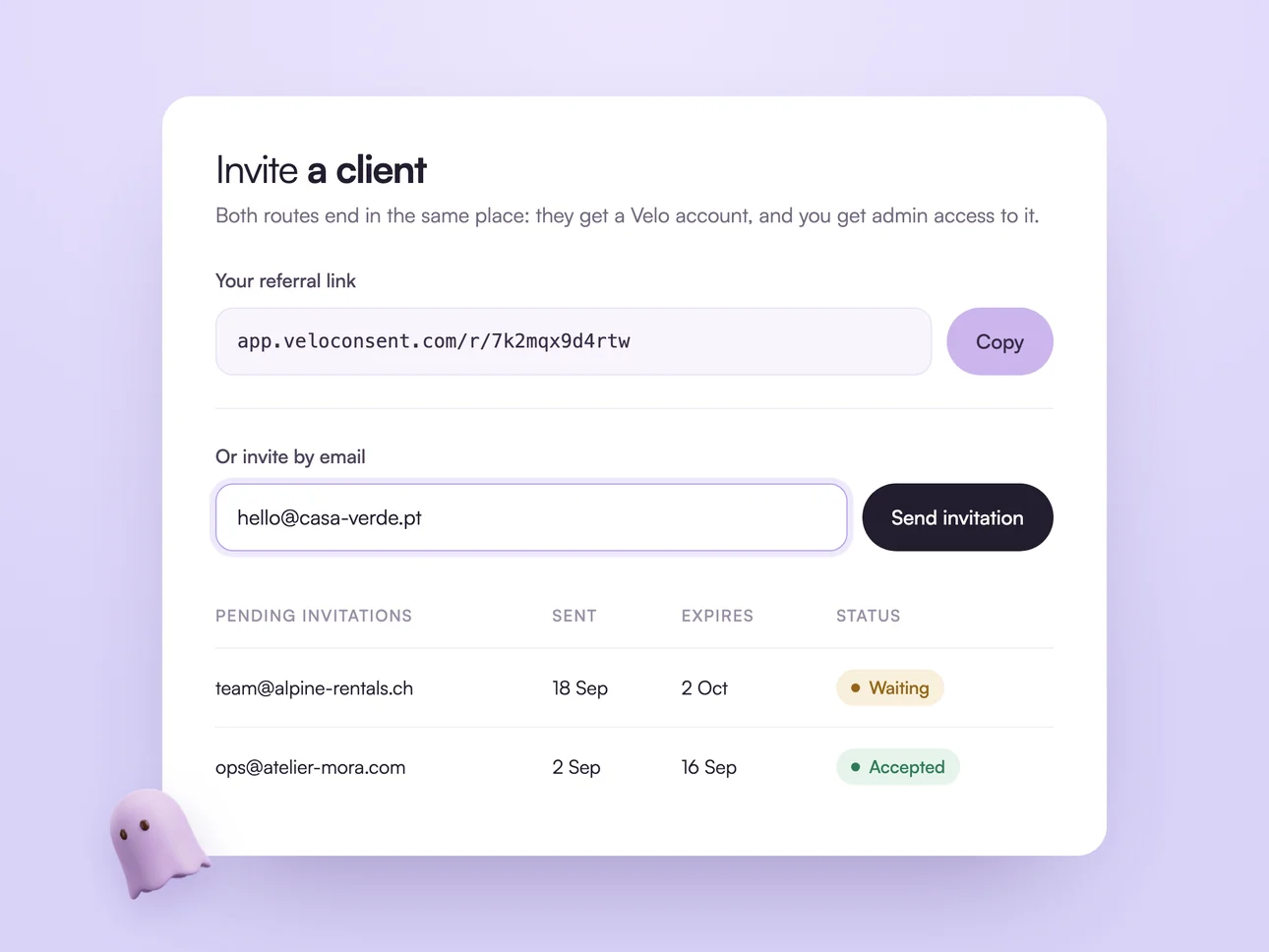
Put your permanent referral link in a proposal or an email signature, or send a branded invitation that names your agency. Invitations stay open for 14 days, and each one stays on the page with its status.
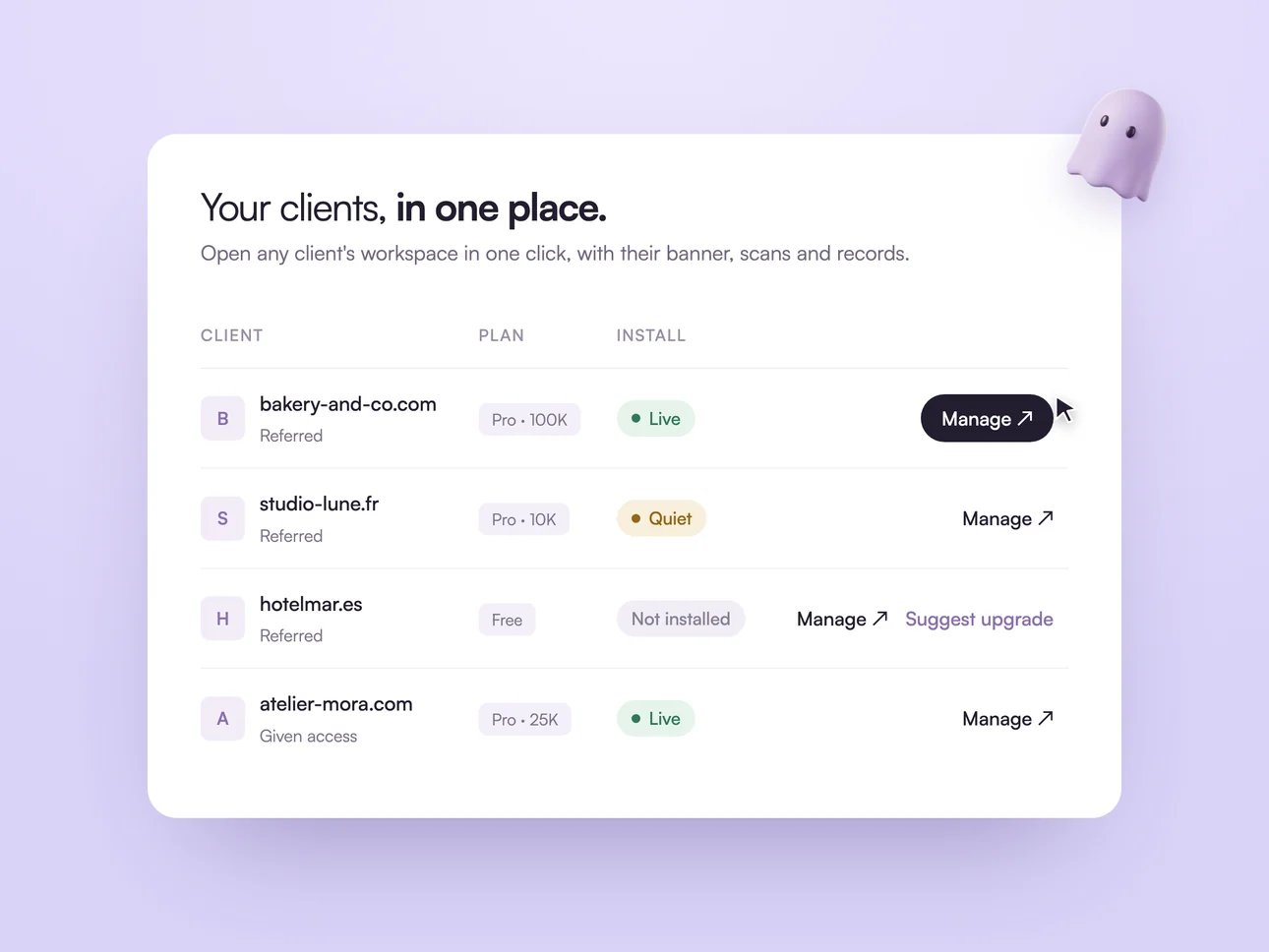
Each client has their own Velo account, and you have admin access to it. Open any workspace in one click, catch installs that went quiet, and suggest an upgrade for the account owner to approve.
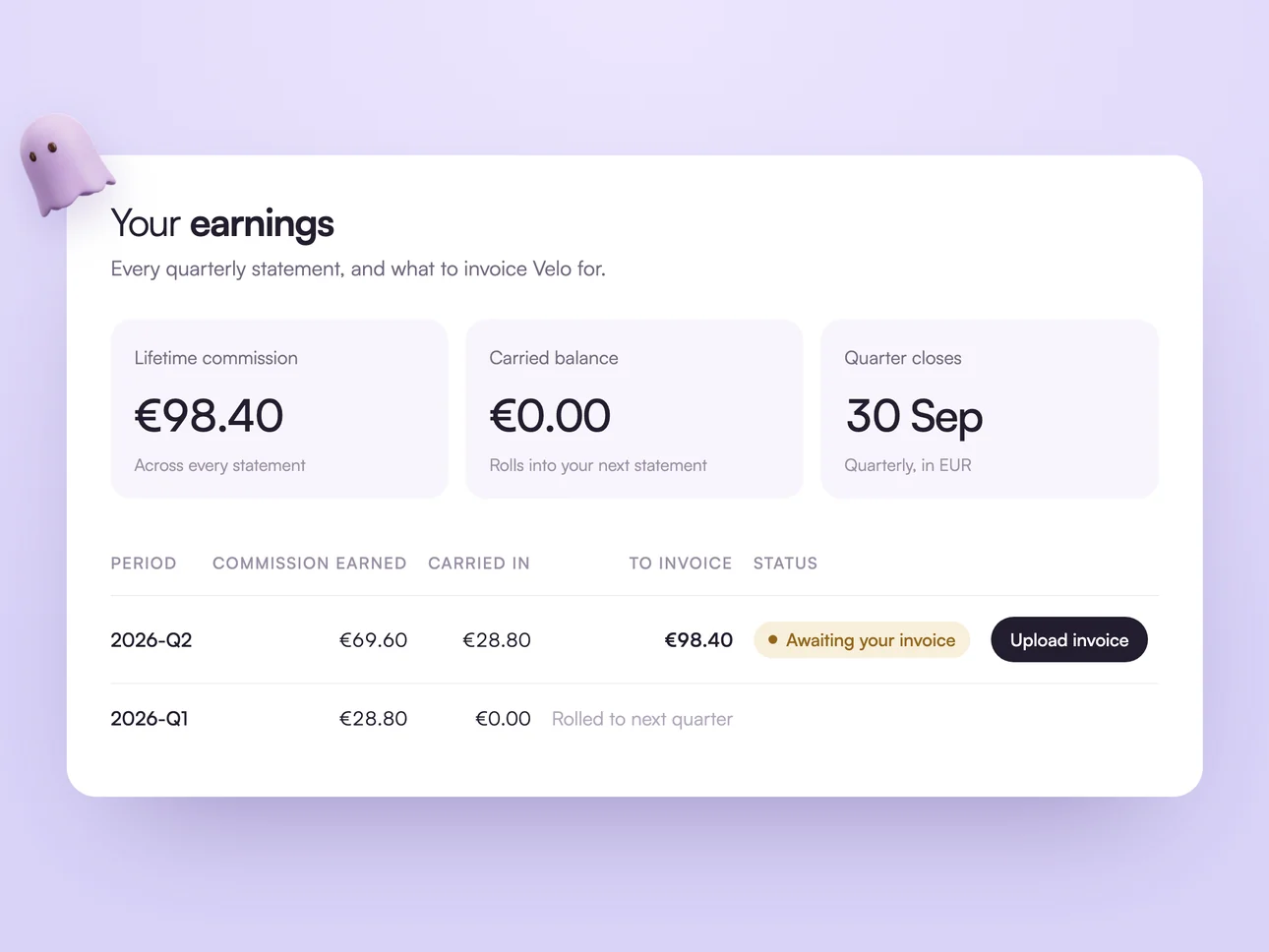
When a quarter closes, your statement shows the commission you earned and the exact amount to invoice. Upload your invoice against it and follow it through to paid. A balance under €50 rolls into the next quarter.
Free to join. Your clients keep their own accounts, and you keep admin access to each one.
Open a partner accountWhat agencies ask before they open an account.
Go to the partner sign up page, enter your email, a password and your agency name, and accept the partner terms. Confirm your email and log in. There is no application to wait on, and your referral link is ready the first time you open the portal.
No. Log in to the partner portal with the email and password of the Velo account you already have, add your agency name and accept the partner terms. That account becomes your partner account, with no second login to manage.
Nothing. You open a partner account, invite your clients, and they pay for their own Velo plans on the standard pricing. There is no partner fee, no seat minimum and no roster minimum.
A flat 20% of what every client you refer pays Velo, on every plan, for as long as they stay. The rate does not change with the size of your roster, and it does not step down after the first year.
Then you can still be given admin access to it and manage it from the portal, but it does not earn a revenue share. The share follows a new signup through your link or your invitation.
Statements are quarterly, in EUR and net of VAT. Once a calendar quarter closes, your statement shows the commission you earned and the exact amount to invoice, you upload your invoice against it, and it moves to paid. A balance under €50 carries into the next quarter rather than generating an invoice for small change.
Commission you already earned is unaffected. Access and commission are two separate things in the portal: a client can end your admin access and the statements that already covered them still stand.
You can suggest one from their row in the portal, and the account owner approves it. The upgrade itself stays with the client, which is the honest way round when it changes what they pay.
On the Free plan the banner carries Velo branding. On Pro your client can switch to custom branding and their own logo, and set the colours and wording to match their site.
Website privacy, in one place.
Scan your site →