


Consent Mode v2,
done right in GTM.
A common Consent Mode mistake is a default that fires too late. Velo lives where your measurement lives: one tag from the Velo CMP template, fired on the Consent Initialization trigger, which Google runs before any other trigger in the container.
Free for one site and 1,500 monthly sessions. Pro from €7 a month, plus VAT, for unlimited sites.
We get it:
don't block GTM.
Some consent setups block Google Tag Manager until a visitor accepts, and every tag in the container goes down with it. Velo runs inside GTM instead: one tag from the Velo CMP template, fired on Consent Initialization – All Pages, sets the Consent Mode v2 defaults before any other tag in the container, and the container loads as usual. No code on the page, and your consent setup stays versioned with the rest of the container.
Velo CMP · tag configuration
- Velo site ID
- Copy the exact site ID from your Velo dashboard.
- Banner theme
- Light or Dark
- Velo API endpoint (optional)
- Use the API endpoint shown in your Velo installation settings.
Field names checked against the published Velo CMP template. Use your own site ID and API endpoint.
Velo CMP template ↗How it goes live
on Google Tag Manager.
Three steps. Most installs take a few minutes when you can already publish changes to the site.
-
01
Consent Mode v2 in one tag
In your container, open Templates → Search Gallery, add the Velo CMP template by ampliodata, and create the tag with your site ID.
Velo CMP · tag configuration
- Velo site ID
- Copy the exact site ID from your Velo dashboard.
- Banner theme
- Light or Dark
- Velo API endpoint (optional)
- Use the API endpoint shown in your Velo installation settings.
Verified template fields · 23 September 2026 Field names checked against the published Velo CMP template. Use your own site ID and API endpoint.
Velo CMP template ↗ -
02
Consent default before any tag
Velo sets the Google Consent Mode v2 defaults before your other tags run, denied where your region settings ask for opt in, then shows the banner. Google tags adjust to the choice and tags you gate on Velo's consent event wait for it. Every choice is saved to your consent records.
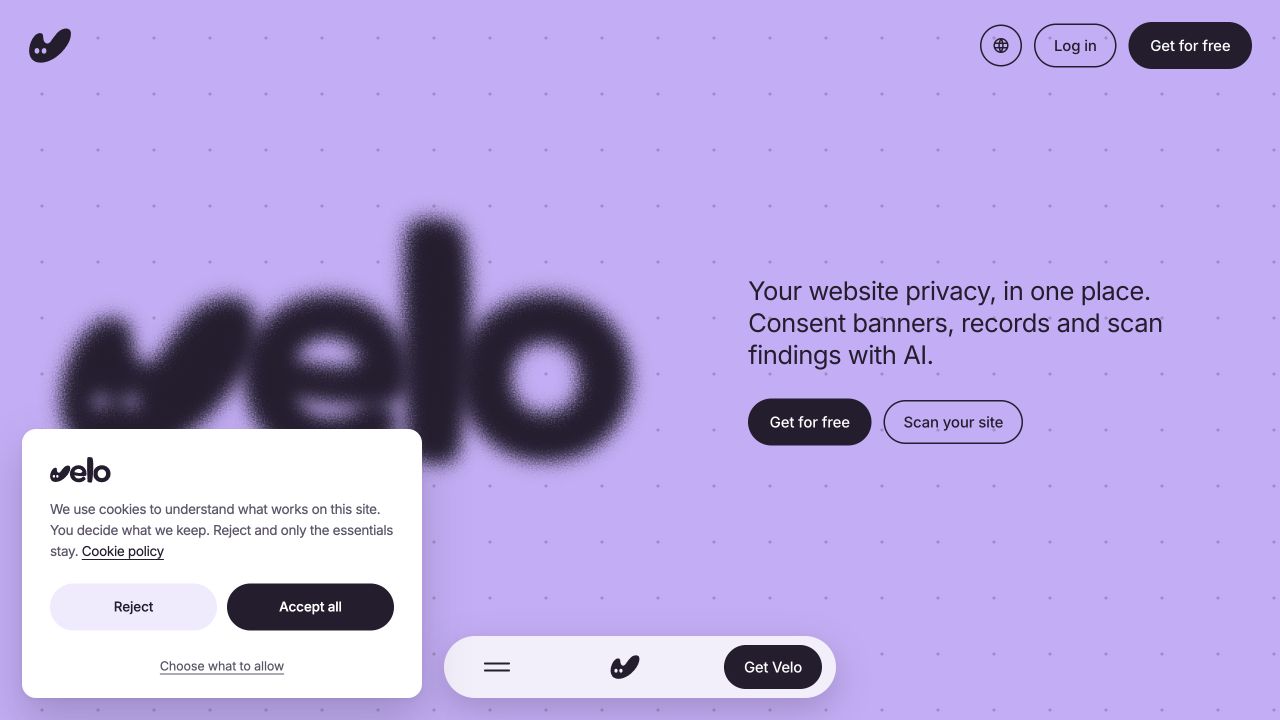
Live interface capture · 23 September 2026 The real banner on veloconsent.com, captured on 23 September 2026. Your banner’s copy, layout and region settings may differ.
Velo live site ↗View full size ↗ -
03
Verify, then publish
Check that the consent signals change in Tag Assistant when you accept and when you reject, then publish. Run the same check again whenever you change your tags or banner settings.
Using a different platform? See every supported platform.
Google Tag Manager questions,
answered.
What teams putting a banner on Google Tag Manager ask first.
Why does the Consent Initialization trigger matter so much?
Google runs it before every other trigger in the container. Fire the consent default anywhere later, on Initialization or All Pages, and some tags can beat it, which is exactly the failure auditors and Google's own diagnostics flag. Velo's guide makes this the install's one non negotiable step.
What are url_passthrough and ads_data_redaction?
Two advanced Consent Mode settings the template exposes as checkboxes. url_passthrough passes ad click identifiers through URL parameters while storage is denied, which can help Google attribute conversions without cookies. ads_data_redaction removes ad click identifiers from requests while ad_storage is denied, the strict EU stance. Both are one tick in the Velo tag.
How do I verify the setup actually works?
GTM's Preview mode shows it end to end: the Velo tag firing first, every consent signal denied by default from an EEA location, and the update event when a visitor accepts or declines. The install guide walks through exactly what to look for, including enabling consent overview under Admin.
Do rejections still send pings?
Yes, in advanced mode, which every Velo plan includes. Google tags adjust to each choice from the first pageview, and visitors who decline can still send cookieless pings. Google may use them to model some conversions when its eligibility and traffic conditions are met. Modelling is not guaranteed, and reports still show fewer observed conversions from visitors who decline.
From the journal.
Website privacy, in one place.
Scan your site →